Deprecated: Creation of dynamic property EIO_Backup::$relative_home_url is deprecated in /sites/roomsketcher.dev11.dekodes.no/files/public/content/plugins/ewww-image-optimizer/classes/class-eio-base.php on line 98

Deprecated: Creation of dynamic property EIO_Backup::$home_domain is deprecated in /sites/roomsketcher.dev11.dekodes.no/files/public/content/plugins/ewww-image-optimizer/classes/class-eio-base.php on line 99

Deprecated: Creation of dynamic property EIO_Backup::$upload_url is deprecated in /sites/roomsketcher.dev11.dekodes.no/files/public/content/plugins/ewww-image-optimizer/classes/class-eio-base.php on line 985

Deprecated: Creation of dynamic property EIO_Backup::$upload_domain is deprecated in /sites/roomsketcher.dev11.dekodes.no/files/public/content/plugins/ewww-image-optimizer/classes/class-eio-base.php on line 989

Notice: Function _load_textdomain_just_in_time was called incorrectly. Translation loading for the breadcrumb-navxt domain was triggered too early. This is usually an indicator for some code in the plugin or theme running too early. Translations should be loaded at the init action or later. Please see Debugging in WordPress for more information. (This message was added in version 6.7.0.) in /sites/roomsketcher.dev11.dekodes.no/files/public/wp/wp-includes/functions.php on line 6114
How to Take Premium 3D Photos in RoomSketcher
Deprecated: Return type of DeliciousBrains\WP_Offload_Media\Aws3\Aws\HandlerList::count() should either be compatible with Countable::count(): int, or the #[\ReturnTypeWillChange] attribute should be used to temporarily suppress the notice in /sites/roomsketcher.dev11.dekodes.no/files/public/content/plugins/amazon-s3-and-cloudfront-pro/vendor/Aws3/Aws/HandlerList.php on line 272

Deprecated: Return type of DeliciousBrains\WP_Offload_Media\Aws3\Aws\Api\AbstractModel::offsetExists($offset) should either be compatible with ArrayAccess::offsetExists(mixed $offset): bool, or the #[\ReturnTypeWillChange] attribute should be used to temporarily suppress the notice in /sites/roomsketcher.dev11.dekodes.no/files/public/content/plugins/amazon-s3-and-cloudfront-pro/vendor/Aws3/Aws/Api/AbstractModel.php on line 35

Deprecated: Return type of DeliciousBrains\WP_Offload_Media\Aws3\Aws\Api\AbstractModel::offsetGet($offset) should either be compatible with ArrayAccess::offsetGet(mixed $offset): mixed, or the #[\ReturnTypeWillChange] attribute should be used to temporarily suppress the notice in /sites/roomsketcher.dev11.dekodes.no/files/public/content/plugins/amazon-s3-and-cloudfront-pro/vendor/Aws3/Aws/Api/AbstractModel.php on line 27

Deprecated: Return type of DeliciousBrains\WP_Offload_Media\Aws3\Aws\Api\AbstractModel::offsetSet($offset, $value) should either be compatible with ArrayAccess::offsetSet(mixed $offset, mixed $value): void, or the #[\ReturnTypeWillChange] attribute should be used to temporarily suppress the notice in /sites/roomsketcher.dev11.dekodes.no/files/public/content/plugins/amazon-s3-and-cloudfront-pro/vendor/Aws3/Aws/Api/AbstractModel.php on line 31

Deprecated: Return type of DeliciousBrains\WP_Offload_Media\Aws3\Aws\Api\AbstractModel::offsetUnset($offset) should either be compatible with ArrayAccess::offsetUnset(mixed $offset): void, or the #[\ReturnTypeWillChange] attribute should be used to temporarily suppress the notice in /sites/roomsketcher.dev11.dekodes.no/files/public/content/plugins/amazon-s3-and-cloudfront-pro/vendor/Aws3/Aws/Api/AbstractModel.php on line 39

Deprecated: Return type of DeliciousBrains\WP_Offload_Media\Aws3\Aws\Endpoint\Partition::offsetExists($offset) should either be compatible with ArrayAccess::offsetExists(mixed $offset): bool, or the #[\ReturnTypeWillChange] attribute should be used to temporarily suppress the notice in /sites/roomsketcher.dev11.dekodes.no/files/public/content/plugins/amazon-s3-and-cloudfront-pro/vendor/Aws3/Aws/HasDataTrait.php on line 37

Deprecated: Return type of & DeliciousBrains\WP_Offload_Media\Aws3\Aws\Endpoint\Partition::offsetGet($offset) should either be compatible with ArrayAccess::offsetGet(mixed $offset): mixed, or the #[\ReturnTypeWillChange] attribute should be used to temporarily suppress the notice in /sites/roomsketcher.dev11.dekodes.no/files/public/content/plugins/amazon-s3-and-cloudfront-pro/vendor/Aws3/Aws/HasDataTrait.php on line 25

Deprecated: Return type of DeliciousBrains\WP_Offload_Media\Aws3\Aws\Endpoint\Partition::offsetSet($offset, $value) should either be compatible with ArrayAccess::offsetSet(mixed $offset, mixed $value): void, or the #[\ReturnTypeWillChange] attribute should be used to temporarily suppress the notice in /sites/roomsketcher.dev11.dekodes.no/files/public/content/plugins/amazon-s3-and-cloudfront-pro/vendor/Aws3/Aws/HasDataTrait.php on line 33

Deprecated: Return type of DeliciousBrains\WP_Offload_Media\Aws3\Aws\Endpoint\Partition::offsetUnset($offset) should either be compatible with ArrayAccess::offsetUnset(mixed $offset): void, or the #[\ReturnTypeWillChange] attribute should be used to temporarily suppress the notice in /sites/roomsketcher.dev11.dekodes.no/files/public/content/plugins/amazon-s3-and-cloudfront-pro/vendor/Aws3/Aws/HasDataTrait.php on line 41

Deprecated: DeliciousBrains\WP_Offload_Media\Aws3\Aws\Credentials\Credentials implements the Serializable interface, which is deprecated. Implement __serialize() and __unserialize() instead (or in addition, if support for old PHP versions is necessary) in /sites/roomsketcher.dev11.dekodes.no/files/public/content/plugins/amazon-s3-and-cloudfront-pro/vendor/Aws3/Aws/Credentials/Credentials.php on line 9

Deprecated: Use of "self" in callables is deprecated in /sites/roomsketcher.dev11.dekodes.no/files/public/content/plugins/amazon-s3-and-cloudfront-pro/vendor/Aws3/Aws/Retry/ConfigurationProvider.php on line 79

Deprecated: Return type of DeliciousBrains\WP_Offload_Media\Aws3\Aws\LruArrayCache::count() should either be compatible with Countable::count(): int, or the #[\ReturnTypeWillChange] attribute should be used to temporarily suppress the notice in /sites/roomsketcher.dev11.dekodes.no/files/public/content/plugins/amazon-s3-and-cloudfront-pro/vendor/Aws3/Aws/LruArrayCache.php on line 65
Skip to main content

How to Take Premium 3D Photos in RoomSketcher

With RoomSketcher you can take gorgeous photo-realistic 3D images of any aspect of your design project. These images show rich colors, perfect lighting, and realistic shadows, just as if they were taken by a professional photographer inside a real interior.

,
Laundry room with French blue walls
Dekode

The good news – you don’t have to be a professional to add these high-quality 3D photos to your project presentations – it’s easy with RoomSketcher.

Snapshots vs 3D Photos

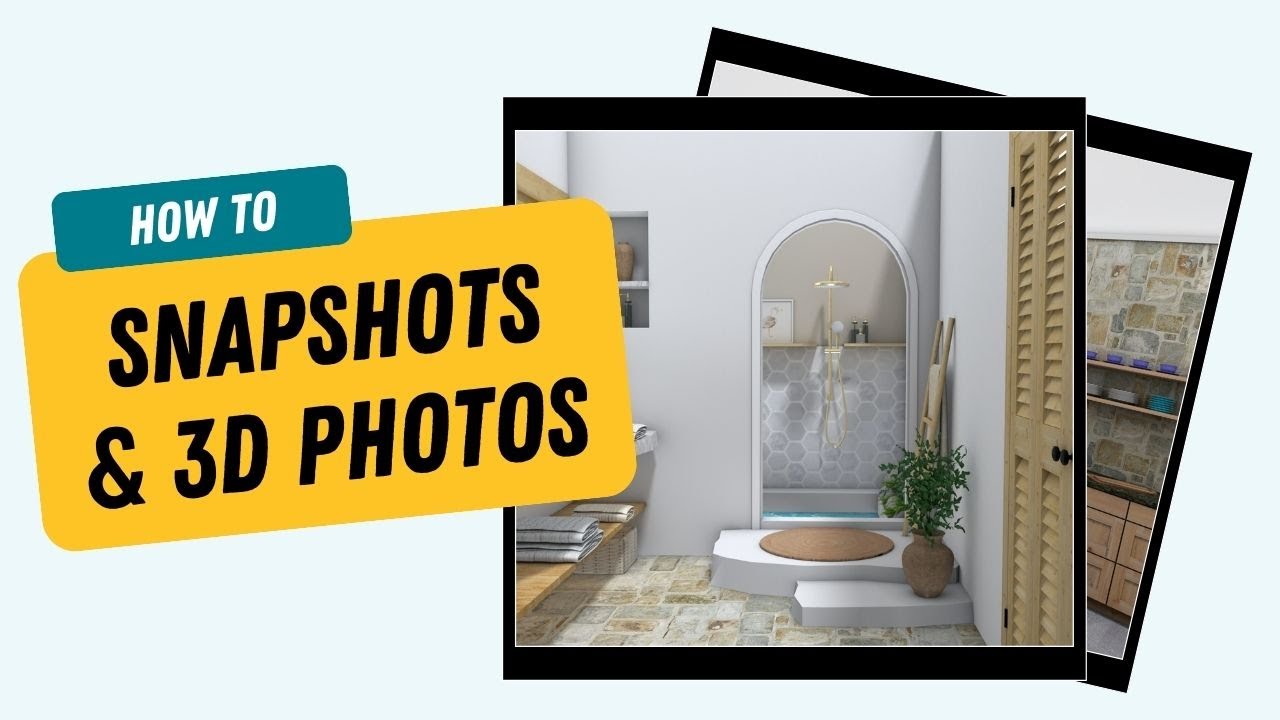
RoomSketcher provides two levels of image quality: snapshots and 3D photos.

Snapshot and 3D Photo Comparison

How to Take 3D Photos

You can take 3D Photos while you are working on a project, or upgrade existing snapshots to 3D photos.

Step 1 - Take a Snapshot

In the RoomSketcher App, press the blue Camera icon, and rotate or move the camera into position. Double-click the camera or press Take Snapshot on the right-hand side. The snapshot appears in the top-right.

Take 3D photo

Step 2 - Generate a 3D Photo

Once you have taken a snapshot, press Generate 3D Photo on the right-hand side to upgrade the image to a stunning 3D Photo.

If you have a Free subscription, you can purchase 3D Photos using a credit card or Paypal. If you have a RoomSketcher subscription, you will use RoomSketcher Credits.

Make 3D Photos of Existing Snapshots

You can convert any snapshot that you have saved to the Image Gallery into a 3D Photo. From the RoomSketcher workspace, click Menu (the yellow button in the top left) and under Project, click 3D Photos. Then click Generate 3D Photo.

Generate 3D Photo

How to Download 3D Photos

You may want to download a 3D photo file to your computer so that you can add the image to your website, or other marketing material.

Navigate to the RoomSketcher Workspace, click Menu (the yellow button in the top left), and under Project, click 3D Photos. Then click on Details, you can then choose between Save to Disk or Print.

Watch the 3D Photos How-To Video

Don't forget to share this post!


Recommended Reads